
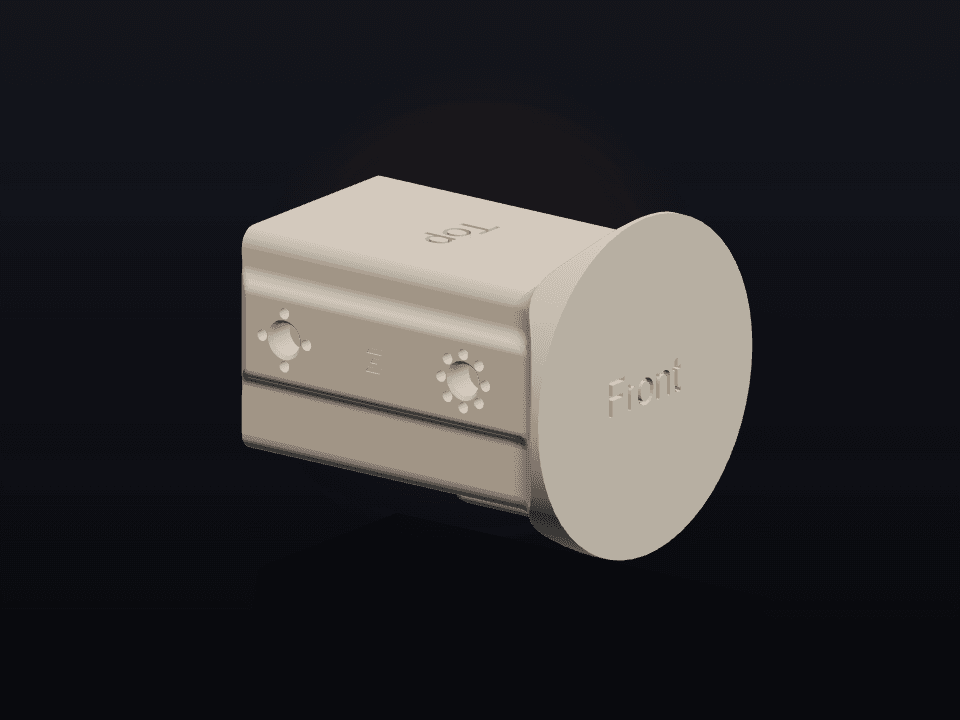
Main body blank
Body Template
The main blank for checking overall envelope, hardware clearance, and accessory fit.
.step1 MB
DownloadOfficial CAD blanks
STEP templates for designing OSMODO-compatible bodies, covers, mounts, and add-ons without guessing the fit.
Choose a starting point
Download the STEP blank that matches the part you want to design.
Main body blank
The main blank for checking overall envelope, hardware clearance, and accessory fit.

Accessory add-ons
Port geometry for add-ons that need to line up with the OSMODO PRO accessory interface.
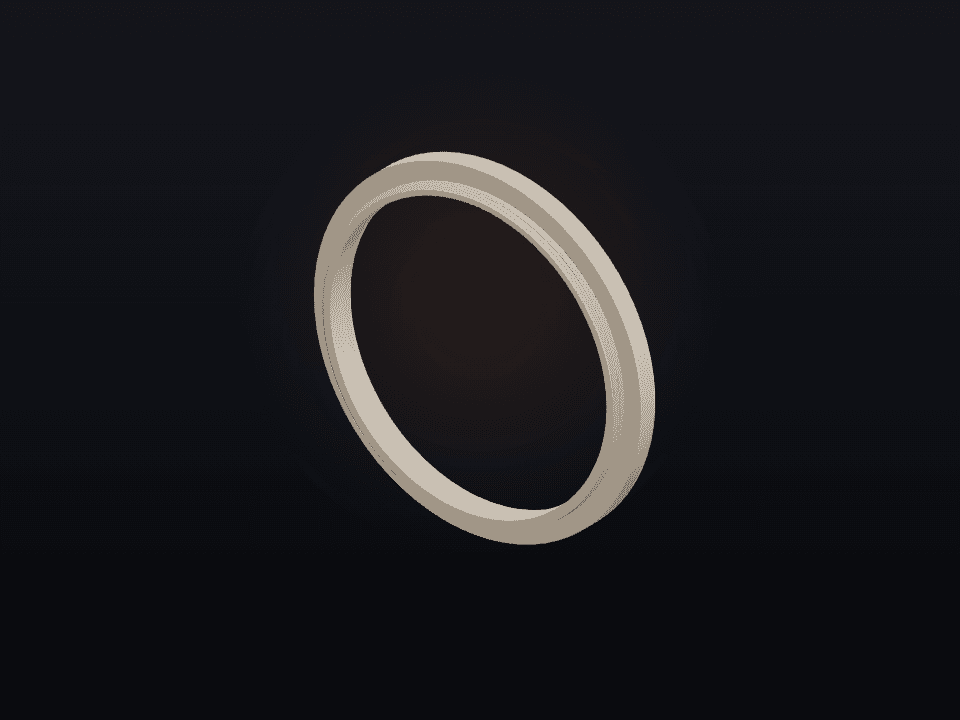
Front accessories
Twist-on front accessory port blank for designing add-ons that lock onto the OSMODO front interface.
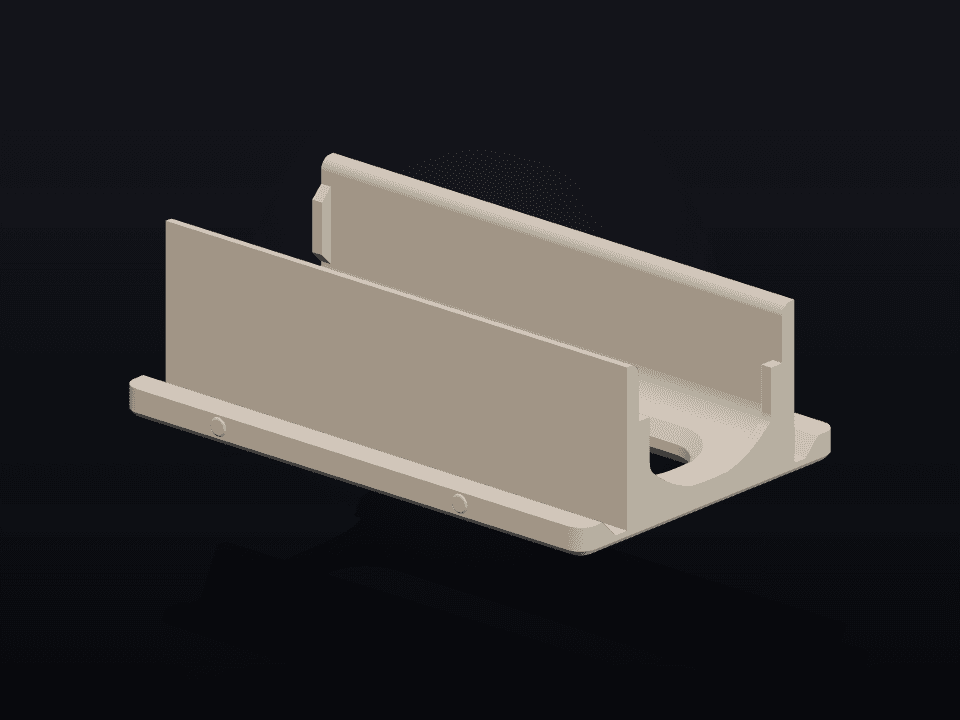
Camera mounting
Reference blank for camera mounts, adapters, and alignment-sensitive accessories.

Back cover designs
Back cover blank for panel concepts, replacement covers, and clearance checks.
Fast path
These are design references, not finished printable products. Start here, create your part, and verify it on real hardware.
Import the STEP blank into your CAD app.
Model your accessory around the fit geometry.
Print a quick fit test before publishing.
Keep fit-critical surfaces intact unless you are intentionally creating clearance.
Mention tested OSMODO version, camera version, material, layer height, and support requirements in your listing.
Use them as blank geometry for CAD alignment, not as a license to label third-party work as official OSMODO parts.
When your design is ready, submit it with photos, print settings, and compatibility notes.
Ready to build?